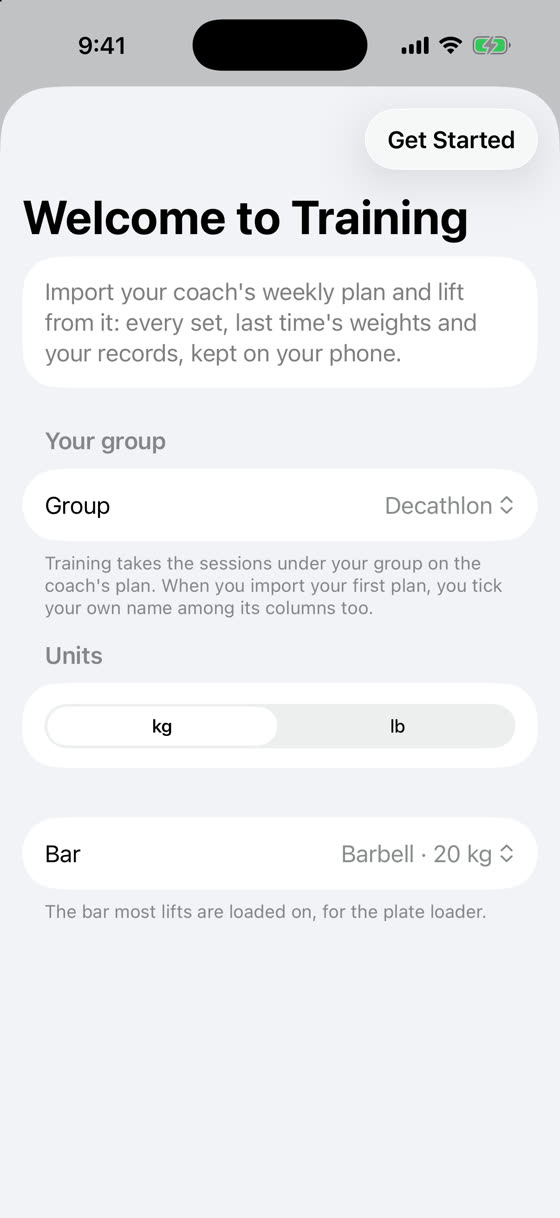
On first launch, pick your group (Decathlon, Heptathlon or Neither), your units and your bar, then tap Get Started. You can change all of it later in Settings.
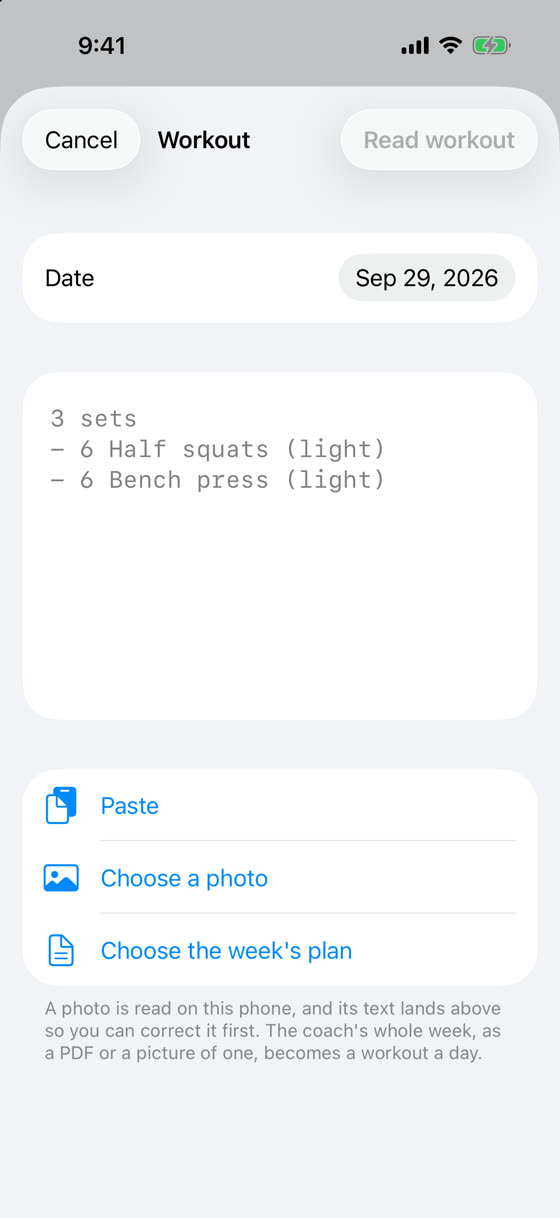
Tap +, then Choose the week's plan and pick the coach's PDF. You can also open the PDF straight from Mail or Files and choose Training.
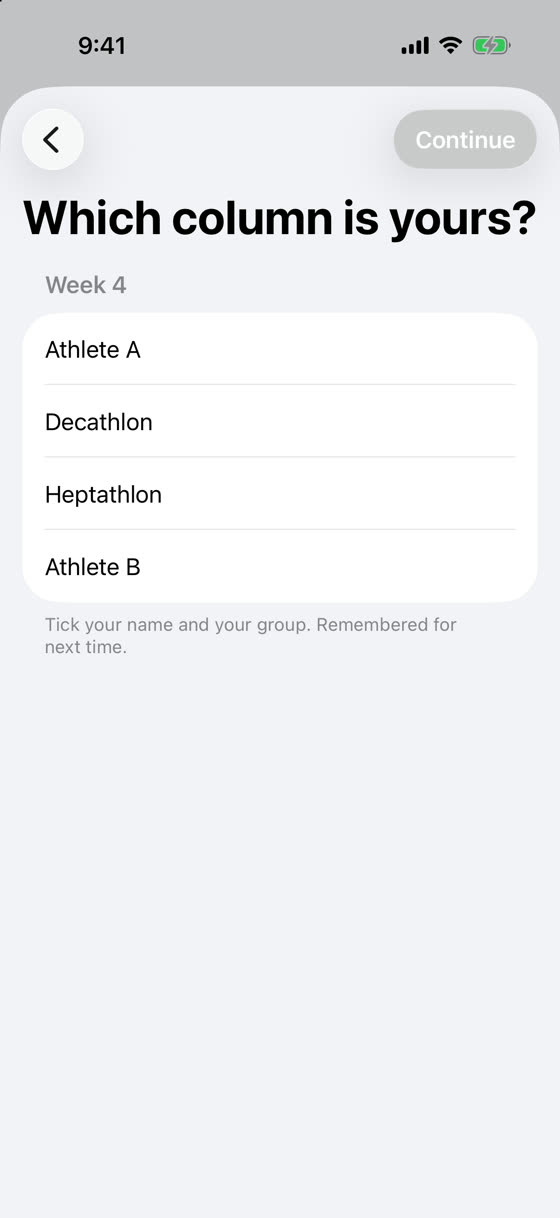
The first time, Training shows the plan's columns. Tick your name and your group, then Continue. It remembers them, and only asks again if a plan comes with none of them.
Open today's workout and tap Start. Each set is already filled in from what you lifted last time; tap a set to change the weight or reps, and tap the circle when it's done. A finished exercise folds itself away.
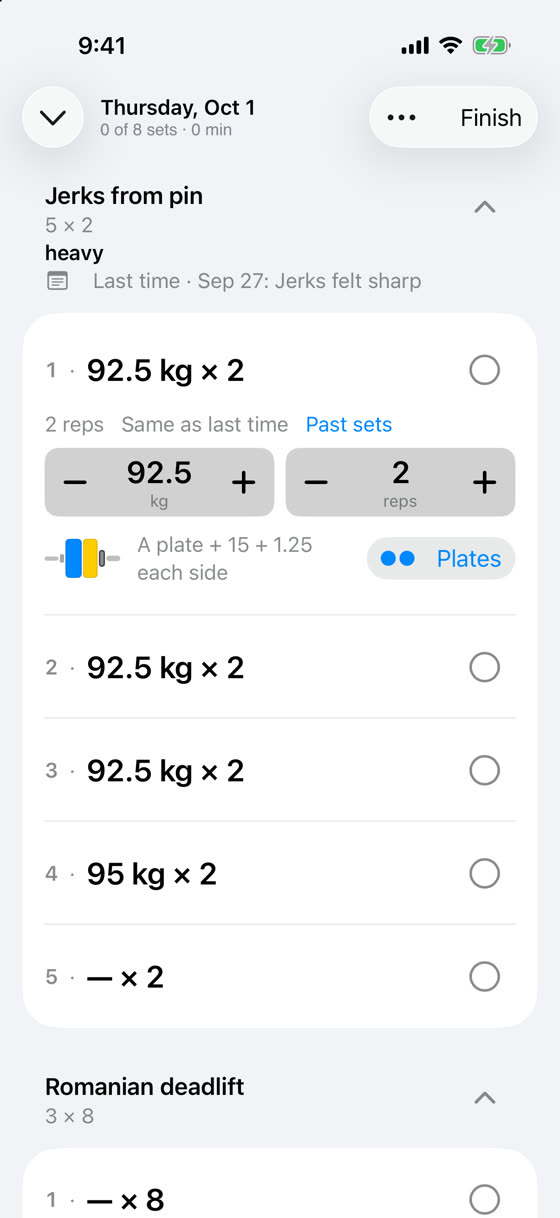
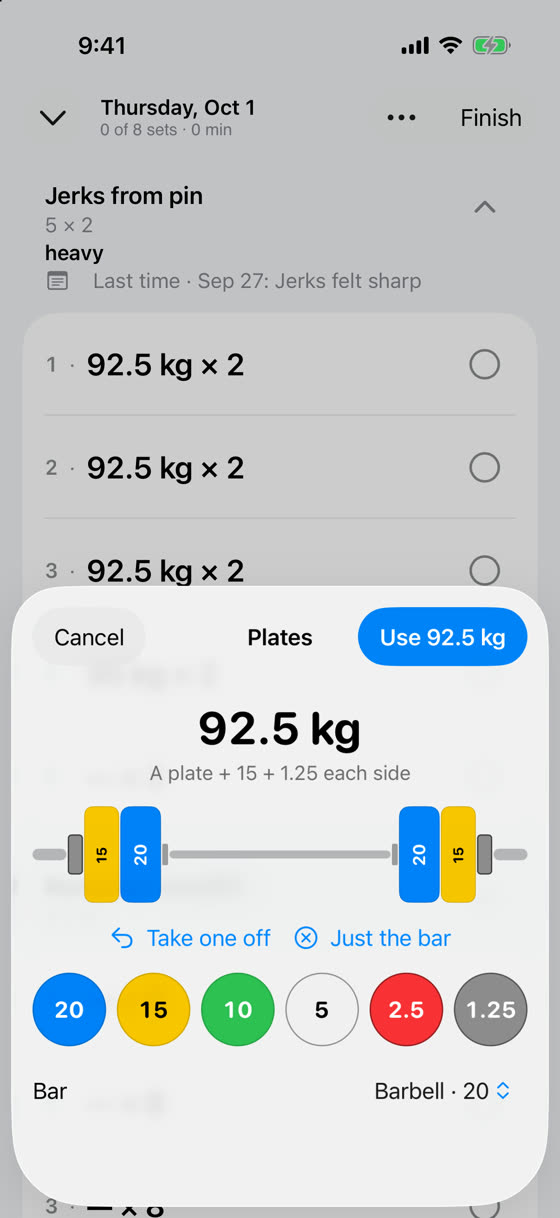
Tap Plates under the weight to see how it goes on the bar, or build it plate by plate and tap Use.
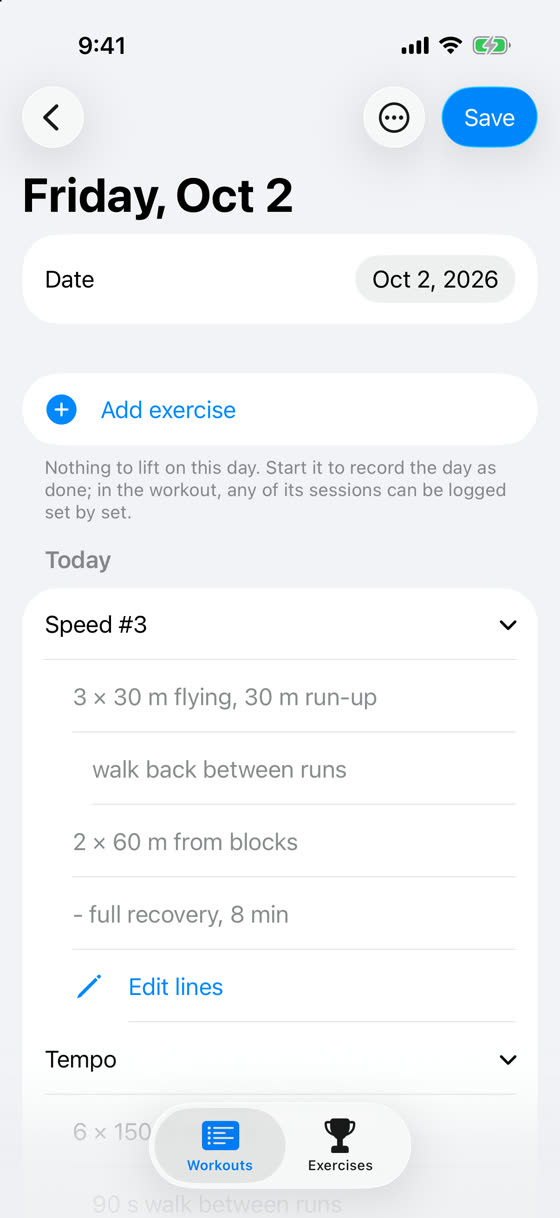
Sprints, hurdles, throws and the rest are there too, in the coach's order. Open one to read it, or tap Log set by set during a workout to tick it off. If the coach's text came out wrong, tap Edit lines and fix it first.
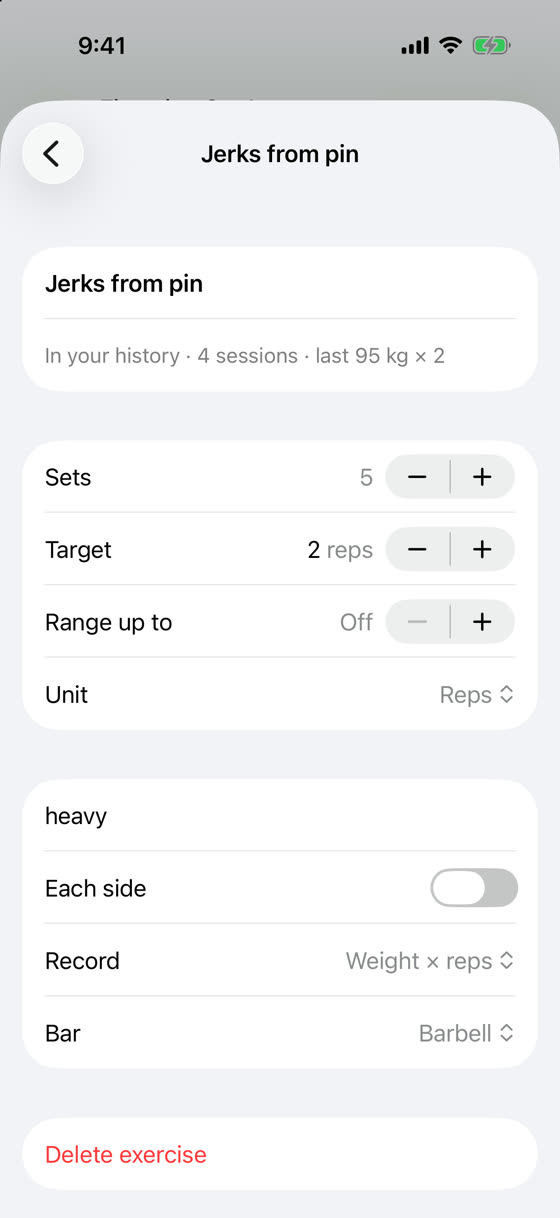
In a workout, tap ⋯ → Edit workout, then tap the exercise to change its sets, reps, note or bar.